


How to Start an E-commerce Business in Nepal: Complete Step-by-Step Guide
Starting an e-commerce business in Nepal has become an attractive opportunity for entrepreneurs who want to sell products beyond the limitations of a physical shop. From clothing and electronics to groceries, cosmetics, handicrafts and locally manufactured products, businesses can now reach customers across different parts of the country through online platforms.
However, launching an online store involves more than creating a Facebook page or building a website. You need a suitable business registration, tax documentation, payment methods, reliable delivery arrangements and a clear understanding of Nepal's e-commerce regulations. This guide explains how to start an e-commerce business in Nepal, step by step.
1. Choose What You Want to Sell
The first step is selecting the products or services you want to offer. Instead of trying to sell everything, start with a specific product category and understand its market demand.
Some potential e-commerce business ideas in Nepal include:
- Clothing, footwear and fashion accessories.
- Mobile phones, electronics and computer accessories.
- Beauty products, cosmetics and personal care items.
- Groceries and household products.
- Handmade products, handicrafts and Nepali souvenirs.
- Books, stationery and educational products.
- Home decoration and furniture.
Research your competitors, target customers, supplier prices and expected profit margins before investing heavily in inventory. Starting with a small product range can help you test demand and reduce financial risk.
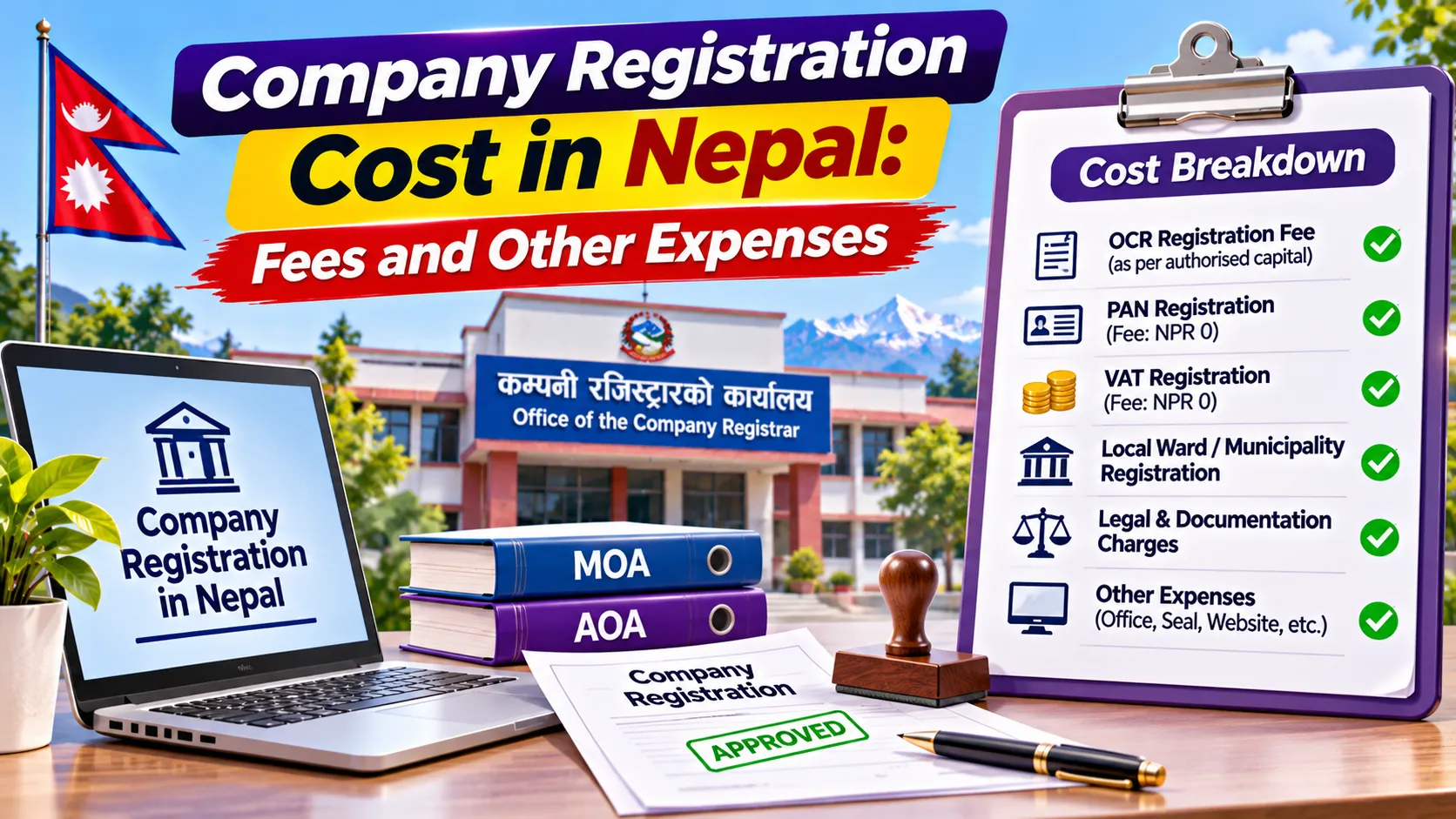
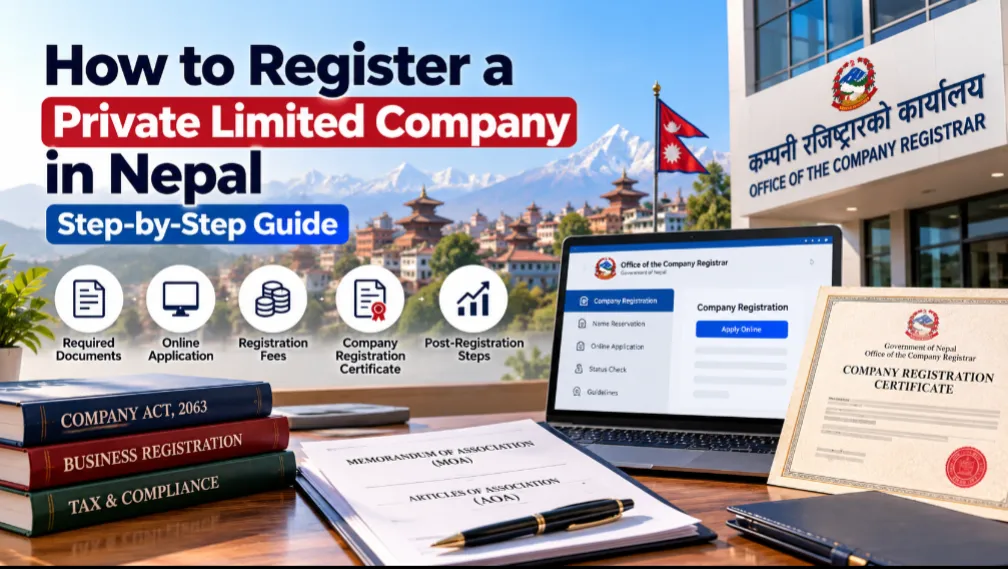
2. Register Your Business in Nepal
Business registration is an important step before operating an online store. Nepal's Electronic Commerce Act, 2081 (2025), provides the legal framework for businesses selling goods and services through electronic platforms.
Section 3 states that a firm, company or institution duly registered and authorized to conduct trade under prevailing law may engage in electronic commerce, subject to the Act and other applicable requirements.
Depending on your business plans, you can consider different business structures:
- Sole proprietorship: Suitable for an individual starting a small business.
- Partnership firm: Suitable when two or more people operate a business together.
- Private limited company: Suitable for businesses planning to expand, work with investors or operate with multiple shareholders.
Choose the structure based on ownership, liability, investment plans and administrative requirements. You can consult the relevant registration authority or a qualified professional before making your decision.
3. Obtain PAN and Complete Applicable Tax Registration
After registering your business, obtain a Permanent Account Number (PAN) from the Inland Revenue Department. Depending on your business activities and applicable tax rules, you may also need Value Added Tax (VAT) registration.
Keep your registration certificate, PAN documents, business address and ownership information ready. These documents may be required when opening a business bank account, applying for merchant payment services and completing e-commerce platform listing procedures.
Do not assume that every small online seller has identical tax obligations. Your requirements depend on business type, turnover, products and the prevailing tax rules.
4. Understand Nepal's E-Commerce Act 2081
Nepal introduced the Electronic Commerce Act, 2081, to regulate online commercial transactions and improve consumer protection. The law applies to electronic platforms used for buying and selling goods or services, including websites, applications and social media marketplaces.
Under Sections 4 and 5, businesses must establish or use an appropriate electronic platform and apply for listing through the Department of Commerce, Supplies and Consumer Protection's electronic commerce portal, subject to the provisions applicable to their business.
The law also requires businesses to disclose important information, including:
- Registered business name, address and registration details.
- PAN or VAT registration number, as applicable.
- Business contact information and customer service details.
- Electronic commerce platform listing number.
- Product descriptions, final prices and additional charges.
- Payment methods and expected delivery information.
- Warranty, return, cancellation and refund conditions.
- A mechanism for handling customer complaints and feedback.
Read the official Electronic Commerce Act, 2081 and check the latest instructions from the Department before launching your store.
5. Choose a Domain Name and Build Your E-commerce Website
A professional website helps customers discover your products, compare prices, place orders and learn about your business. Choose a domain name that is short, easy to remember and relevant to your brand.
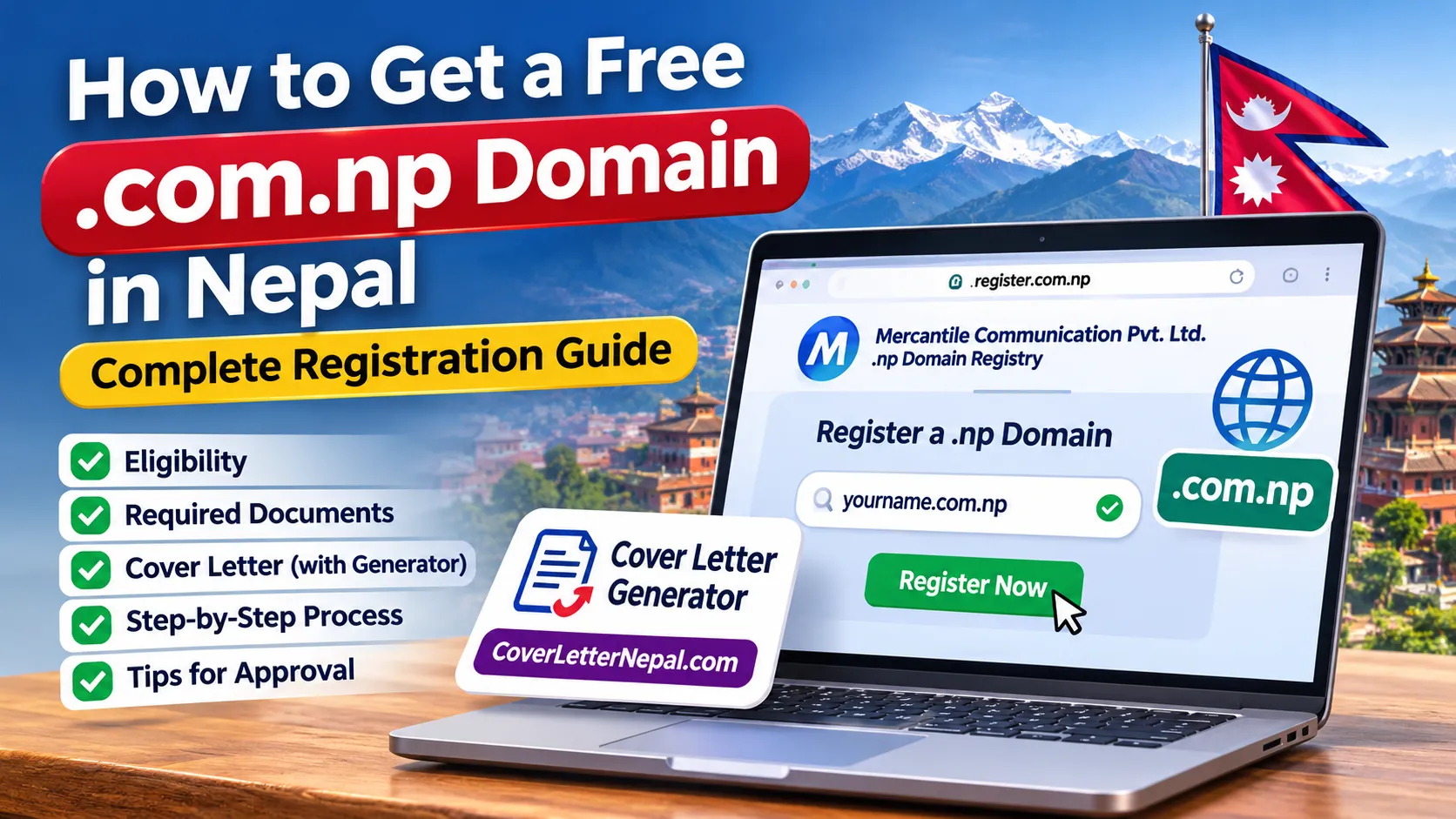
Nepali businesses may consider a .com domain or an eligible .com.np domain. The .com.np extension is available through the official Nepal domain registration system, subject to its naming and documentation requirements.
For your website, you can consider platforms such as WooCommerce, Shopify or a custom-developed e-commerce system. WooCommerce is a popular option for businesses that want to manage their own WordPress-based online store.
You will also need reliable web hosting to keep your website accessible. If you are setting up an online store, you can consider BISUP Web Hosting as one hosting option.
Make sure your website works properly on mobile devices, loads quickly, uses HTTPS security and provides a straightforward checkout process.
6. Set Up Online Payment Methods
Offering convenient payment options can make it easier for customers to complete purchases. In Nepal, businesses commonly consider payment services such as:
- eSewa: A digital wallet and merchant payment service.
- Khalti: A digital wallet and online payment platform.
- Fonepay: A payment network that supports QR-based payments through participating banks and financial institutions.
- Cash on Delivery: Customers pay when their orders are delivered, subject to the delivery arrangement.
Merchant payment services generally require business and tax documents, and their approval, transaction fees and settlement terms depend on the provider. Compare their requirements before choosing a payment method.
Under Section 8 of the Electronic Commerce Act, businesses must provide an invoice or receipt and maintain transaction records as required by the law.
7. Arrange Product Delivery and Logistics
Delivery is one of the most important parts of running an online store. Customers expect their orders to arrive safely and within the promised timeframe.
Compare courier companies based on delivery coverage, parcel charges, return handling, tracking facilities and cash-on-delivery settlement arrangements. If you initially operate within Kathmandu Valley, you can start with local delivery services and gradually expand to other districts.
Clearly communicate delivery charges and estimated delivery times before customers place their orders. Your return and refund policies should also be easy to understand.
8. Calculate Your Startup Costs
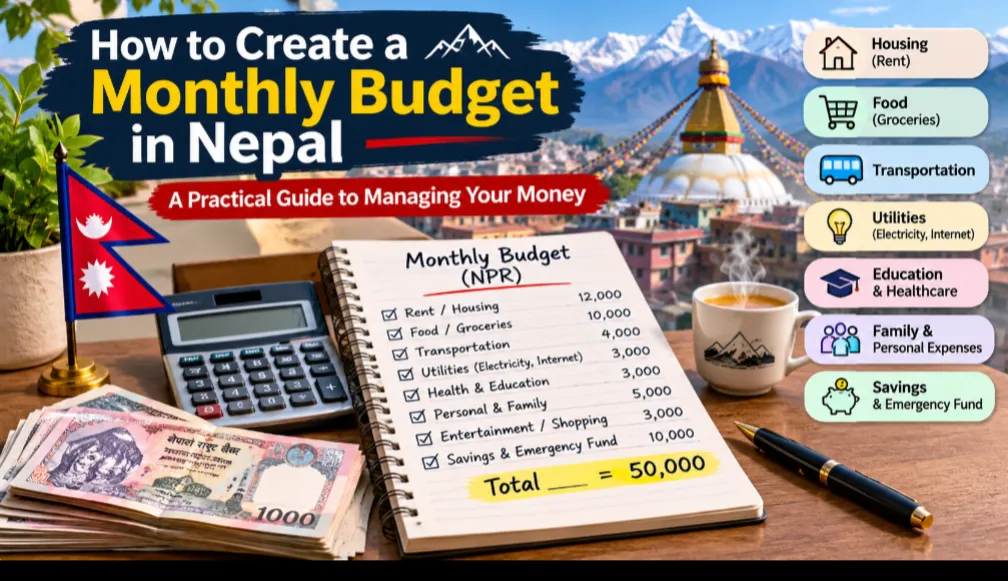
The cost of starting an e-commerce business in Nepal depends on your business structure, products, inventory, website, marketing and operational requirements. There is no single startup cost that applies to every online store.
Prepare a budget covering business registration, applicable tax and local fees, initial inventory, packaging, website development, domain registration, hosting, payment processing and delivery expenses.
Keep additional working capital for refunds, advertising, unexpected costs and replenishing popular products. Avoid investing all your money in inventory before confirming customer demand.
9. Promote Your Online Store and Build Customer Trust
Once your website and operations are ready, start promoting your business. Social media platforms such as Facebook, Instagram and TikTok can help you reach potential customers in Nepal.
You can also improve your visibility through search engine optimization (SEO), useful product descriptions, informative blog articles and customer reviews. Consider small advertising campaigns initially and measure how many visitors actually become paying customers.
Most importantly, provide accurate product information, transparent pricing, reliable delivery and responsive customer support. Building customer trust is essential for repeat purchases and long-term growth.
Conclusion
Starting an e-commerce business in Nepal requires planning, proper registration, legal compliance, suitable technology and reliable operations. Begin with a product category you understand, register your business, complete the required tax and e-commerce procedures, and select suitable payment and delivery services.
You do not need to build a large online store immediately. Start with a manageable product range, test demand, understand your customers and improve your operations as your business grows. A well-managed online store can become a valuable long-term business when it focuses on customer trust, financial discipline and consistent service.
Official Resources and Further Reading
- Electronic Commerce Act, 2081 (2025) – Nepal's legal framework for electronic commerce.
- Department of Commerce, Supplies and Consumer Protection – Official department and e-commerce regulatory information.
- Office of the Company Registrar – Company registration information.
- Inland Revenue Department – PAN, VAT and tax registration information.
- Nepal Rastra Bank – Payment systems and financial regulatory information.
- .np Domain Registration Portal – Information about Nepal's country-code domain registration.
Disclaimer: This article provides general educational information, not legal, tax or financial advice. Business registration, licensing, tax obligations and e-commerce requirements may differ according to the nature of your business. Verify current requirements with the relevant government authorities before starting operations.




Comments
Sign in to leave a comment.
Sign in