

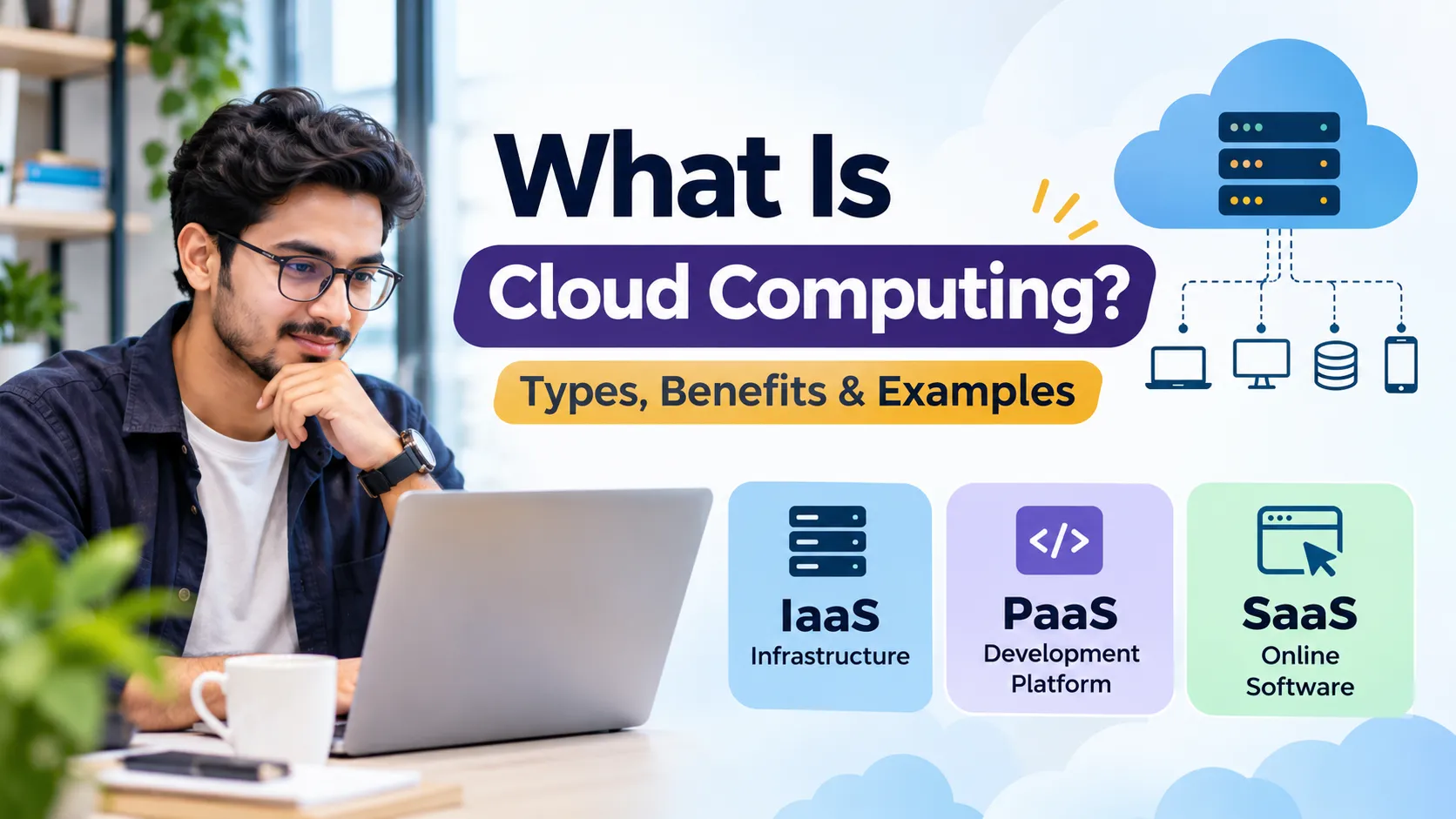
What Is Cloud Computing? Types, Benefits and Examples
Cloud computing has changed how individuals and businesses use technology. Instead of purchasing expensive physical servers, installing software locally and maintaining their own data centres, users can access computing resources through the internet. From storing photographs and sending emails to hosting websites and running business applications, cloud computing supports many everyday digital activities.
Businesses, startups, educational institutions and technology companies increasingly use cloud services because they provide flexible access to computing power, storage and software. Understanding how cloud computing works, its different types and its benefits can help individuals and organisations choose the right technology for their needs.
What Is Cloud Computing?
Cloud computing is the delivery of computing services over the internet. These services can include virtual servers, storage, databases, networking, software, development platforms and processing power. Instead of owning and maintaining all the required hardware, users access resources provided by a cloud service provider.
For example, when someone stores files in Google Drive, sends emails through Gmail or uses an online business application, they are accessing services hosted on remote infrastructure. The underlying servers and storage systems are managed by service providers, while users access the services through an internet connection.
Cloud computing also allows organisations to increase or reduce resources according to demand. This means a business can obtain additional computing capacity when website traffic increases without necessarily purchasing new physical servers.
How Does Cloud Computing Work?
Cloud computing relies on data centres containing physical servers, storage devices, networking equipment and virtualization technologies. Cloud providers combine and manage these resources to deliver services to customers over the internet.
Virtualization is an important technology behind many cloud services. It allows a physical server to run multiple isolated virtual machines, each with its own operating system and allocated resources. These virtual machines can support websites, applications, databases and other workloads.
When a user accesses a cloud application, their device communicates with remote servers through the internet. Those servers process requests, retrieve information and send the required results back to the user's device.
Types of Cloud Computing
Cloud computing can be classified according to its service model and deployment model. Understanding both classifications helps explain how cloud services are delivered and managed.
1. Infrastructure as a Service (IaaS)
Infrastructure as a Service provides virtualized computing resources such as servers, storage and networking over the internet. Customers can install operating systems, configure applications and manage their server environments without purchasing physical hardware.
For example, a business can rent a virtual machine to host its website, database or internal application. VPS hosting is also closely related to this infrastructure model because it provides virtual server resources on physical hardware.
Businesses and developers looking for more control over their hosting environment can explore VPS hosting options to understand how virtual servers can be used for websites, applications and other workloads.
2. Platform as a Service (PaaS)
Platform as a Service provides an environment for developers to build, test and deploy applications without managing the underlying server infrastructure themselves. The provider manages much of the operating system, runtime environment and infrastructure.
For example, a development team can use a managed application platform to deploy a web application without manually configuring every server component. This allows developers to focus more on writing code and maintaining their applications.
3. Software as a Service (SaaS)
Software as a Service delivers ready-to-use applications through the internet. Users generally access these applications using a web browser or dedicated application rather than installing and maintaining the underlying software infrastructure.
Common examples include Gmail, Google Workspace, Microsoft 365 and Salesforce. The service provider manages the application infrastructure, updates and much of the maintenance, while customers use the software according to their subscription or service agreement.
Comparison of Cloud Computing Service Models
| Service Model | What It Provides | Who Manages Most of the Infrastructure? | Example |
|---|---|---|---|
| IaaS | Virtual servers, storage and networking | Cloud provider manages physical infrastructure; customer manages the operating system and applications | Amazon EC2, virtual machines |
| PaaS | Application development and deployment platform | Cloud provider manages infrastructure and platform | Google App Engine, Azure App Service |
| SaaS | Ready-to-use software applications | Cloud provider manages the application and infrastructure | Gmail, Microsoft 365 |
Cloud Computing Deployment Models
Cloud services can also be deployed in different ways depending on an organisation's requirements, security policies and infrastructure needs.
1. Public Cloud
A public cloud is operated by a third-party provider that makes computing resources available to multiple customers. Customers use logically separated resources without owning the underlying data centre infrastructure. Amazon Web Services, Microsoft Azure and Google Cloud offer public cloud services.
2. Private Cloud
A private cloud is designed for the exclusive use of one organisation. Its infrastructure may be located inside the organisation's own data centre or hosted by an external provider. Private clouds can offer greater control over infrastructure and configurations, although they may require more management and investment.
3. Hybrid Cloud
A hybrid cloud combines private cloud infrastructure with public cloud services. Organisations can keep certain applications or sensitive workloads in private environments while using public cloud resources for other operations.
For example, a company might keep selected internal databases in a private environment while hosting its public-facing website on a public cloud platform.
4. Community Cloud
A community cloud is designed for organisations that share similar requirements, such as security, compliance or operational needs. Several organisations may share the infrastructure under an agreed management arrangement.
Major Benefits of Cloud Computing
Cloud computing offers several advantages, particularly for organisations that need flexible and accessible technology infrastructure.
- Lower initial investment: Businesses can access computing resources without purchasing expensive servers and networking equipment upfront.
- Scalability: Computing capacity can be increased or reduced according to workload requirements, depending on the service and provider.
- Remote accessibility: Authorised users can access cloud applications and resources from different locations through the internet.
- Faster deployment: Virtual servers, storage and development environments can often be provisioned much faster than purchasing and installing physical hardware.
- Backup and recovery: Cloud storage and backup services can support data protection and disaster recovery strategies when properly configured.
- Maintenance management: Providers handle physical hardware maintenance, while managed cloud services may also handle operating systems, databases and software updates.
- Collaboration: Cloud-based applications allow teams to access shared documents, communicate and work together across different locations.
Common Examples of Cloud Computing
Cloud computing is used across different industries and everyday activities. Some common examples include:
- Cloud storage: Google Drive, Dropbox and Microsoft OneDrive allow users to store and access files online.
- Email services: Gmail and Outlook provide email services through cloud-based infrastructure.
- Video streaming: Platforms such as Netflix use distributed computing and cloud technologies to deliver digital content.
- Website hosting: Businesses use cloud infrastructure and virtual servers to host websites, databases and applications.
- Online business software: Salesforce and other SaaS platforms provide customer management and business applications over the internet.
- Application development: Developers use cloud platforms to build, test and deploy websites and software applications.
What Is the Difference Between Cloud Computing and VPS Hosting?
Cloud computing is a broad technology model, while a Virtual Private Server (VPS) is a specific type of virtual server service. A VPS uses virtualization to divide a physical server into separate virtual environments with allocated resources such as CPU, RAM and storage.
A traditional VPS may operate on a single physical server, whereas a cloud-based virtual machine may draw resources from a larger infrastructure pool. However, the exact architecture depends on the hosting provider. Not every VPS automatically offers the redundancy or fault tolerance associated with a distributed cloud platform.
A VPS can be suitable for hosting websites, running applications, managing databases and configuring custom server environments. Organisations can compare different VPS server hosting solutions when evaluating the computing resources needed for their projects.
Challenges and Risks of Cloud Computing
Despite its advantages, cloud computing also has limitations that businesses should consider before moving their systems online.
- Internet dependency: Access to cloud services generally requires a reliable internet connection.
- Security risks: Poor access controls, exposed storage and misconfigured systems can result in data breaches.
- Ongoing costs: Usage-based services can become expensive if organisations fail to monitor resource consumption, storage and data transfer charges.
- Provider dependency: Moving applications and data between cloud providers may require technical work and additional costs.
- Service outages: Cloud providers can experience disruptions that affect application availability.
- Compliance requirements: Organisations must consider data protection laws, data residency and industry-specific obligations.
Businesses should use appropriate security controls, regular backups, access management, monitoring and disaster recovery planning to reduce these risks. Cloud services do not automatically guarantee data security or uninterrupted availability.
Conclusion
Cloud computing allows individuals and organisations to access servers, storage, applications and other computing resources over the internet without owning all the underlying infrastructure. Its service models, including IaaS, PaaS and SaaS, provide different levels of control and management depending on user requirements.
From online storage and email to website hosting and enterprise applications, cloud computing has become an important part of modern digital infrastructure. However, choosing the right cloud solution requires evaluating performance, security, costs, scalability and management responsibilities. Understanding these factors helps businesses and individuals make informed technology decisions.
Frequently Asked Questions (FAQs)
What is cloud computing in simple words?
Cloud computing means using computing services such as servers, storage and software over the internet instead of managing all the required hardware and applications locally.
What are the three main types of cloud computing services?
The three main service models are Infrastructure as a Service (IaaS), Platform as a Service (PaaS) and Software as a Service (SaaS).
What are examples of cloud computing?
Google Drive, Gmail, Microsoft 365, Dropbox, Salesforce and cloud-based website hosting are common examples of cloud computing.
Is VPS hosting a type of cloud computing?
VPS hosting uses virtualization and provides virtual server resources. Some VPS services operate on cloud infrastructure, but a traditional VPS hosted on one physical server is not necessarily a distributed cloud service.
Is cloud computing suitable for small businesses?
Yes. Small businesses can use cloud storage, email, virtual servers and online software without purchasing and maintaining all the required physical infrastructure. They should still compare service costs, security requirements and usage limits.


Comments
Sign in to leave a comment.
Sign in