
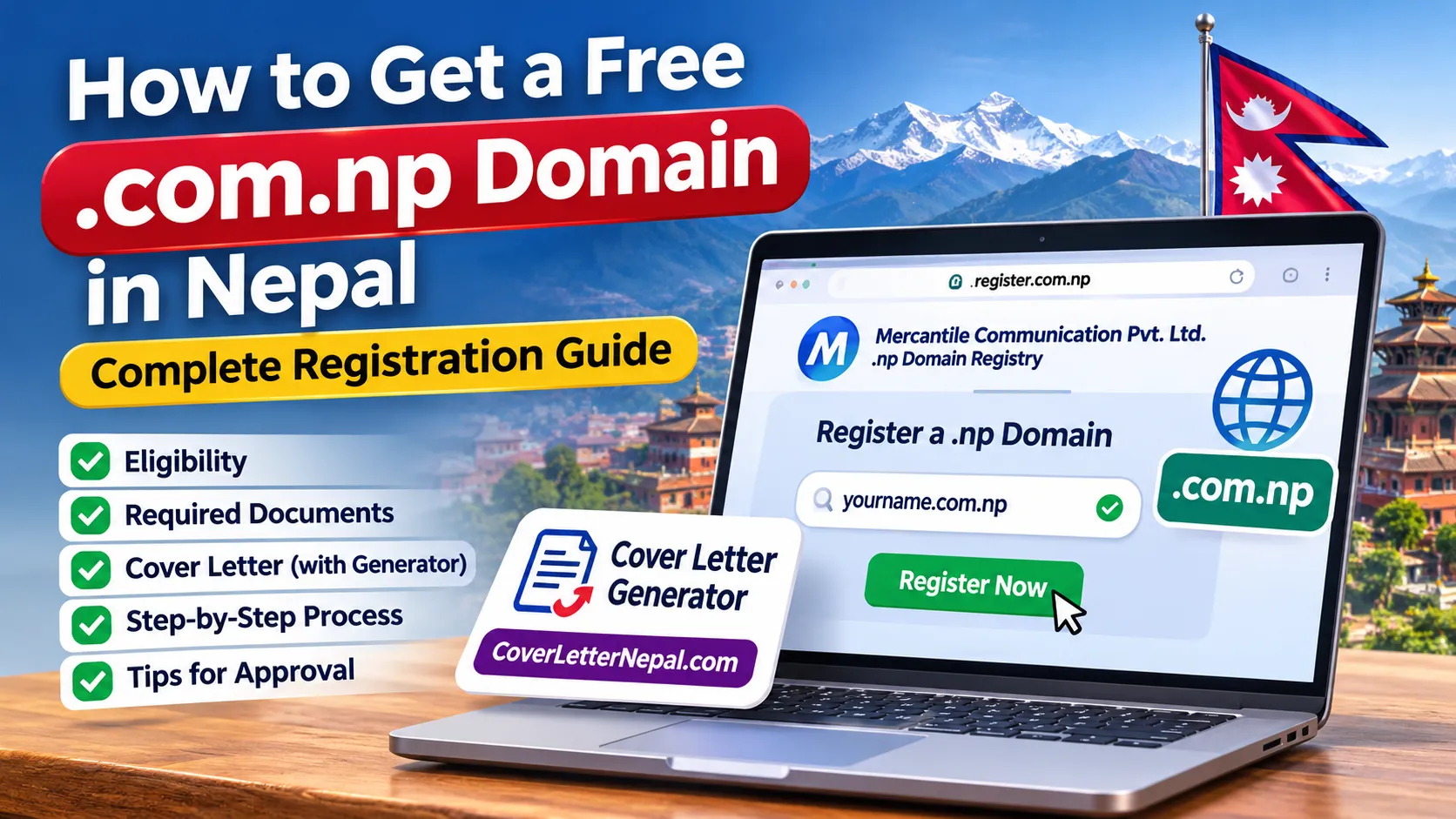
How to Get a Free .com.np Domain in Nepal: Complete Registration Guide
Getting a website online does not always require spending money on a domain name. In Nepal, individuals and eligible businesses can apply for a free .com.np domain through Mercantile Communication Pvt. Ltd., the company responsible for managing Nepal's .np domain registry.
Whether you want to create a personal website, start a blog, establish an online business or build a professional portfolio, a .com.np domain can help establish your identity on the internet. The registration itself is free, but applicants must provide appropriate documents and choose a domain name that meets the registry's requirements.
Here is how to check availability, prepare the required documents and apply for your free .com.np domain in Nepal.
1. Is .com.np Domain Registration Really Free?
Yes. According to the official .np domain registry, domain registration and modification under the .np country-code domain are free of cost. Mercantile manages the registration process through its official portal, register.com.np.
Registration follows a first-come, first-served system, subject to the registry's eligibility and naming policies. However, free domain registration does not include website hosting, premium email services, website development or other paid services. You may need to purchase hosting separately if you want to publish a website.
2. Who Can Register a Free .com.np Domain?
According to Mercantile's published registration policy, eligible applicants include Nepalese citizens, locally registered companies and organizations, and qualifying multinational companies with a legal presence in Nepal.
Individuals can request a personal domain based on their own name as shown on an accepted identity document. Businesses and organizations can request a domain connected to their registered company name, product, service or brand.
For example, an individual named Ram Sharma may apply for a domain based on his name, while a registered company may apply using its company or approved brand name. The registry reviews whether the requested name has a genuine connection to the applicant.
3. Documents Required for .com.np Domain Registration
Prepare the appropriate documents before submitting your application. The requirements differ depending on whether you are applying as an individual or an organization.
For Individuals
- Copy of Nepalese citizenship certificate.
- Alternatively, a valid Nepalese passport, driving licence or voter identification card.
- NRN identity card for eligible Non-Resident Nepali applicants.
- Valid Nepalese residence visa for eligible foreign individuals.
- Requested domain name based on the applicant's documented name.
Keep a clear scanned copy of your identity document. Make sure the applicant's name and other necessary details are readable.
For Companies and Organizations
- Company, firm, partnership or organization registration certificate.
- Relevant PAN registration certificate for non-incorporated business entities, where applicable.
- Branch or liaison office registration documents for qualifying foreign entities.
- Social Welfare Council affiliation certificate where applicable.
- Trademark registration certificate or official trademark application filing receipt for relevant trademark-based applications.
- Official request letter on company letterhead with an authorized signature and organization stamp, where required.
Mercantile may request additional documents to verify an application. Always check the official registry's latest requirements before submitting.
4. How to Generate a .com.np Domain Cover Letter
A cover letter is an important part of company and organization applications. It formally requests registration of the chosen domain and identifies the applicant and requested domain name.
Preparing a professional request letter manually can take time, especially if you are unfamiliar with its format. You can use Cover Letter Nepal's free .np Domain Cover Letter Generator to prepare one more easily.
The tool offers separate options for personal and business domain applications. You can enter your details, requested domain name and primary and secondary nameservers, preview the generated letter and download it as a PDF.
How to use the generator:
- Visit CoverLetterNepal.com.
- Choose Personal Domain or Business Domain.
- Enter the requested applicant or company information.
- Provide the desired .com.np domain name.
- Enter your primary and secondary nameservers.
- Preview the cover letter and check all information.
- Download the generated PDF and complete any required signature or company authorization.
The generator is an independent document-preparation tool, not an official Mercantile service. Its generated letter should be checked against the registry's current submission requirements before uploading.
5. Step-by-Step Process to Register a Free .com.np Domain
After preparing your documents and domain information, follow these steps:
- Visit the official website: Open register.com.np, the official .np domain registration portal.
- Check domain availability: Search for your preferred domain name and select the appropriate extension, such as .com.np.
- Create an account: If the name is available, select the registration option and create an account using your email address.
- Verify your email: Complete the email verification and sign in to your account.
- Complete the application: Enter the applicant's administrative contact information and other requested details.
- Configure nameservers: Enter valid primary and secondary nameservers supplied by your hosting or DNS provider.
- Upload documents: Attach the required identity, company and supporting documents in an accepted file format.
- Submit your application: Review the information carefully and submit the request for verification.
The registry's published process currently lists JPG, PNG, JPEG, GIF and SVG uploads, with a maximum file size of 800 KB. Follow the current portal instructions if its upload requirements change.
6. How Long Does .com.np Registration Take?
Domain registration is not necessarily instant because Mercantile reviews the submitted information and documents. Its FAQ states that processing usually takes around three to four business days or longer, depending on the application backlog and verification requirements.
Applicants should monitor their registered email address for approval notices or requests for additional information. Submitting complete and readable documents can help avoid unnecessary delays.
7. Common Reasons for Domain Registration Rejection
Applications can be rejected when they do not satisfy the registry's policies. Common issues include:
- The requested domain does not match the applicant's documented name or organization's business identity.
- Required identity or company registration documents are missing.
- Uploaded documents are blurred, incomplete or unreadable.
- Required company request letters, signatures or stamps are missing.
- The selected domain extension does not match the applicant's category.
- Invalid nameservers or an IP address supplied instead of proper nameserver records.
- Incomplete applicant contact information.
Before applying, review the official .np Domain Common Rejection Causes page to understand the registry's verification requirements.
8. Important Things to Know Before Applying
- Domain registration is free, but hosting and other optional services may cost money.
- Domain availability does not guarantee approval.
- The requested name must have a valid connection to the applicant.
- Use your own accurate administrative contact information.
- Provide valid nameservers, not just a server IP address.
- Keep your registration email and contact information updated.
Conclusion
Getting a free .com.np domain in Nepal is a useful opportunity for individuals, students, freelancers and eligible businesses that want to establish an online presence without paying a domain registration fee. The process is straightforward if you choose an eligible name, prepare the correct documents and follow Mercantile's application instructions.
Start by checking your preferred domain name at the official registry, prepare your supporting documents and use a cover letter generator if you need help formatting your request. Once approved, you can connect your domain to a hosting provider and start building your website.
Official Requirements and Useful Resources
- Official .np Domain Registration Portal – Mercantile
- Official .np Domain Registration Process and Document Requirements
- .np Domain Registration FAQs and Eligibility
- Official .np Domain Registry Policy
- .np Domain Terms and Conditions
- Common .np Domain Application Rejection Reasons
- Free .np Domain Cover Letter Generator – Cover Letter Nepal
Disclaimer: This guide is independently prepared for informational purposes. GreaterNepal.com is not affiliated with or endorsed by Mercantile Communication Pvt. Ltd. Domain eligibility, documentation and approval are determined by the official registry. Always verify the latest requirements before applying.









Comments
Sign in to leave a comment.
Sign in